

Overview
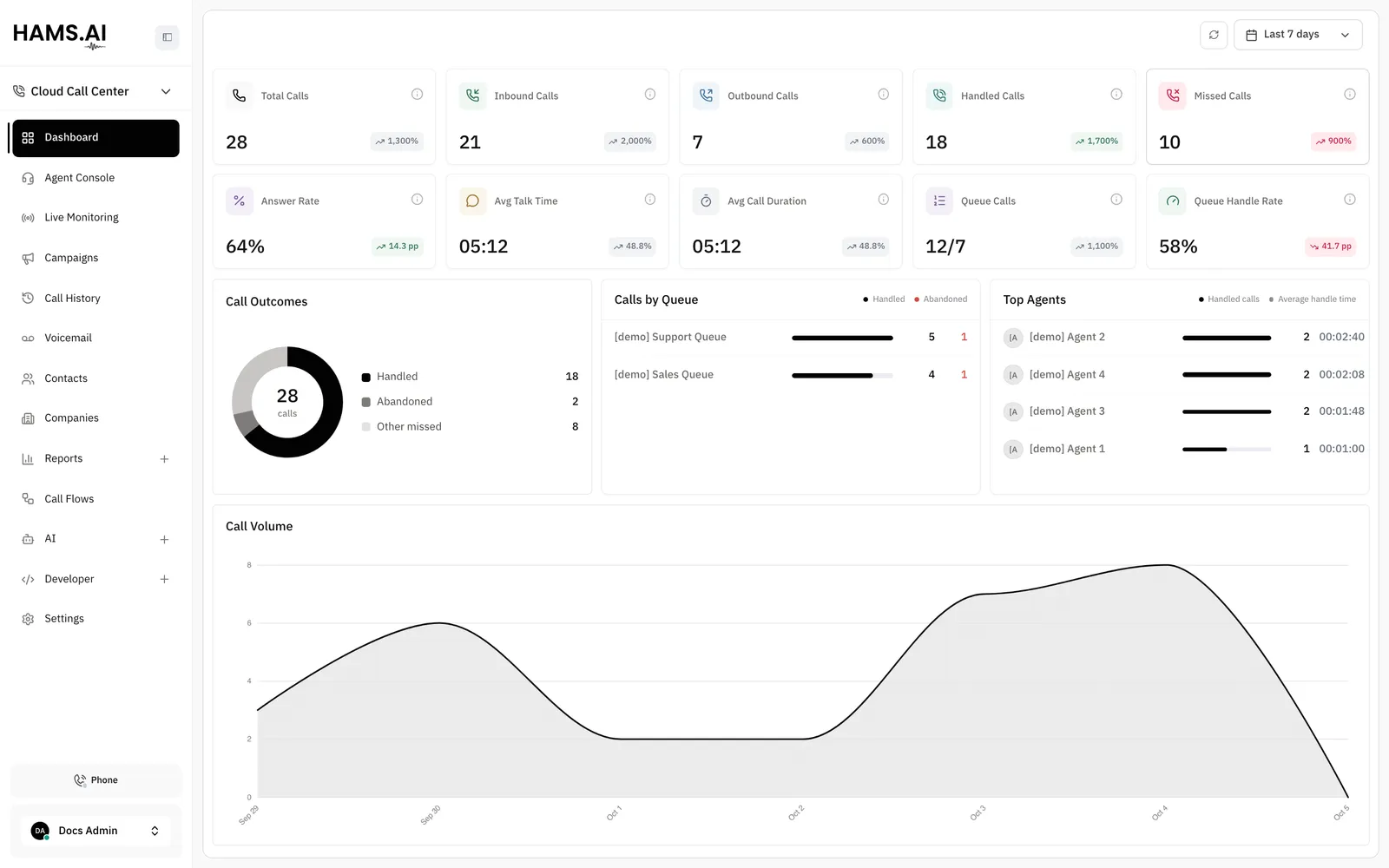
Cloud Call Center is the voice part of Hams. It handles phone numbers, call flows, queues, agents on softphones, recordings, and reports. You use the same dashboard as for your chat channels. Teams that take and make many calls use it to see live figures and to route calls. The call records stay next to the messages of the customer.
Switch between products
The sidebar has a product switcher under the account name. Use it to move the dashboard between Omni Channel and Cloud Call Center. The sidebar then shows the pages of the other product.
Your account, your login, and your contacts are the same in both products. A call shows on the timeline of a contact. You can open it from either product.
Find the pages
The sidebar also has the Contacts and Companies items. They open the same lists as in Omni Channel. The launcher button of the softphone is in the sidebar footer. On the Agent Console page, the phone shows on the page instead. See Softphone.
Each path in the table starts with /app/accounts/{account_id}.
When Workflows + Agent is on for your account, the AI group also has the items Agents and Tools. They open the same AI agent pages as in Omni Channel. See AI agents.
Set up your first inbound calls
Do the steps in this order. Each step needs the step before it.
Ask for a SIP domain
Hams support creates and changes the SIP domains. Ask Hams support to add a domain before you start. See SIP domains.
Add a trunk
A trunk is the SIP connection to your carrier. Add it with the values that the carrier gave you. Set its call recording policy. See Trunks.
Create extensions for your agents
An extension is the internal number of an agent. Link each extension to the user of the agent. The system then credits the calls to that user. The softphone of the agent registers with the extension. See Extensions.
Build and publish a call flow
Draw what happens to an inbound call, for example a greeting, a menu, a queue, and voicemail. Publish the call flow. A draft answers no calls. See Call flows.
Attach a DID to the call flow
Add the number that your carrier delivers. Attach the published call flow to it. Calls to that number then run the call flow. See DIDs.
Add an outbound route
An outbound route lets agents dial out. It sets which numbers use which trunk and which caller ID the call shows. See Outbound routes.
Connect your own PBX
If you have your own PBX or SBC, connect it to Hams with a SIP trunk. See SIP connection. For a private tunnel between your firewall and Hams, see IPsec VPN.
Related
- Voice agents hand a call to an AI agent instead of a person.
- Campaigns dial a list of contacts automatically.
- Post-call analysis gives the resolution, sentiment, and labels of a call.
- Every call also shows on the timeline of the customer in Omni Channel, as a Phone conversation. See Phone calls.
- Your own systems can place calls, read call history, and receive call events. See the Quickstart of the Developer API.