

Music on hold
Music on hold is the audio that a caller hears while the caller waits in a queue. A class holds a playlist of sounds. A queue uses one class. To give different queues different music, create more than one class.
Only administrators can see and change music on hold classes. A playlist can only hold sounds with the status Ready.
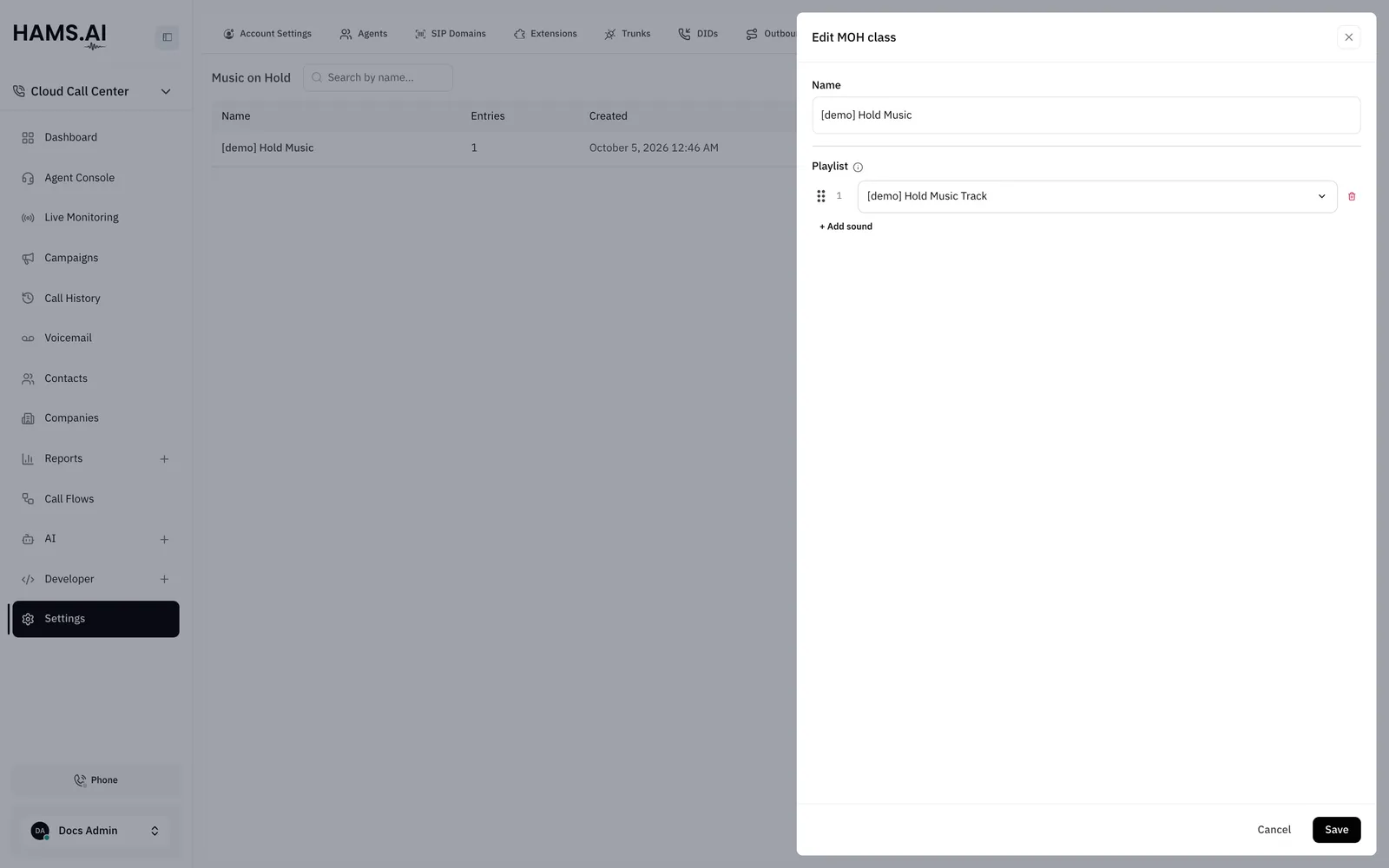
Fields
The list shows the Name and the number of Entries of each class.
Create a class
Upload the audio first. See Sounds.
To change the order, drag a sound to a new place in the playlist. To remove a sound, click the trash icon on its row.
Assign a class to a queue
Select the class in the Music on hold field of the queue. If the queue has no class, it plays the default hold music. See Queues.
Delete a class
Select another class in each queue that uses the class before you delete it. The system does not delete a class that a queue uses. You cannot undo a delete.
To delete a class, open the actions menu of its row. Click Delete. Click Delete again in the dialog. The sounds stay in the Sounds tab.