
Skip to navigation

SIP domains

A SIP domain is the name that groups the telephony objects of your account. Every extension, trunk, and outbound route belongs to one SIP domain. An extension registers its devices against the domain name. Extension numbers only need to be unique inside one domain.

Hams support creates and changes the SIP domains. The SIP Domains tab only shows the domains. You cannot add, change, or delete a domain there.
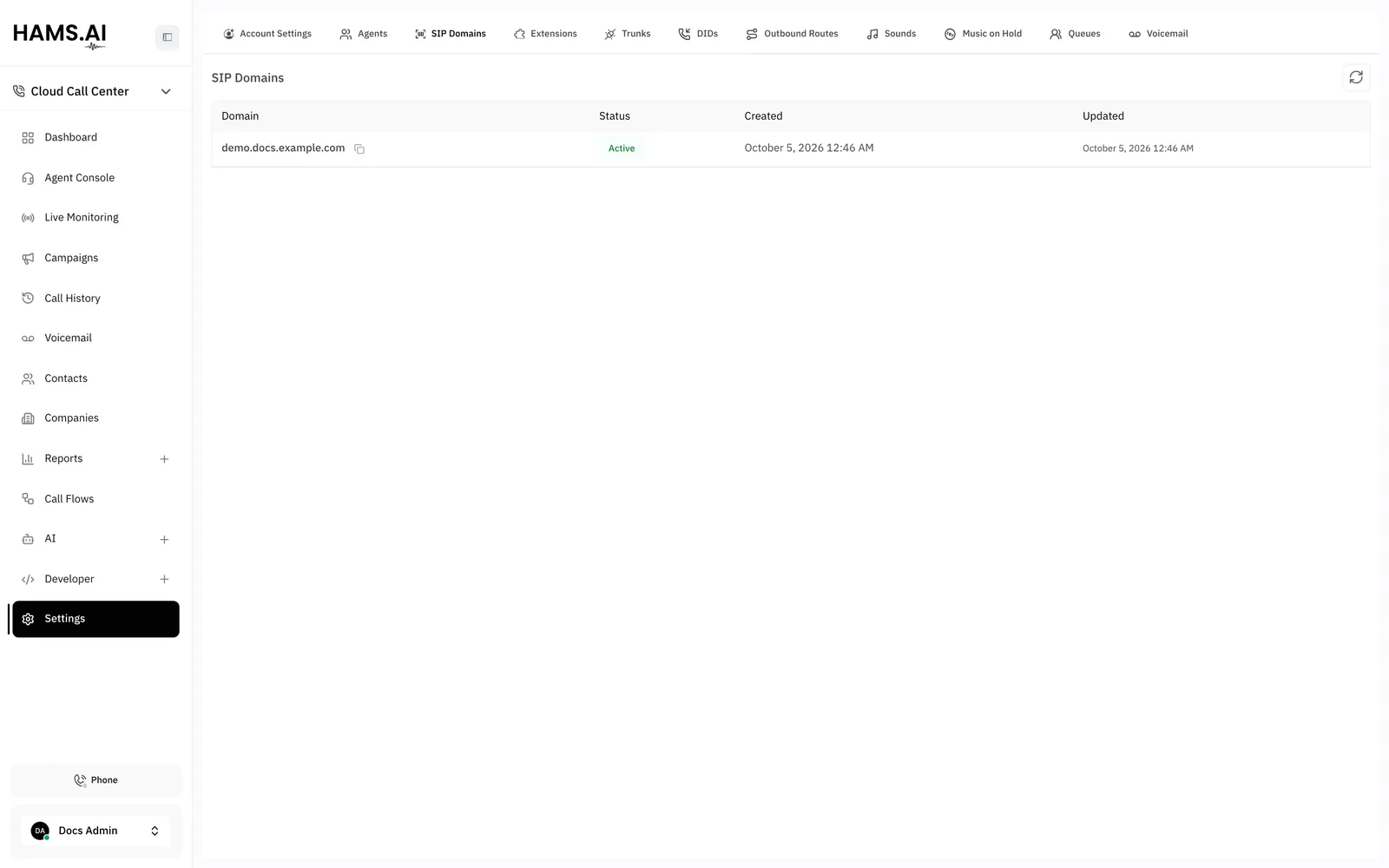
The SIP Domains tab. Extensions register against the domain listed here.

Columns

ColumnWhat it shows
DomainThe domain name. Click the copy icon (Copy domain) to copy the name.
StatusActive or Inactive.
CreatedThe date of creation.
UpdatedThe date of the last change.

Use a domain name

1

Open the SIP Domains tab

Click Settings in the Cloud Call Center sidebar. Click the SIP Domains tab.

2

Copy the domain name

Click Copy domain next to the domain. The page shows Domain copied.

3

Enter the name in your device

Enter the domain name as the SIP domain of the device. Use the extension number as the user name.

If the tab shows No SIP domains provisioned yet., ask Hams support to add a domain. You cannot add a trunk, an extension, or an outbound route before a domain exists.